Excel is useful at the starting stage, but as a business grows, spreadsheets can slow down reporting, create errors and limit control.
Discuss ERP Readiness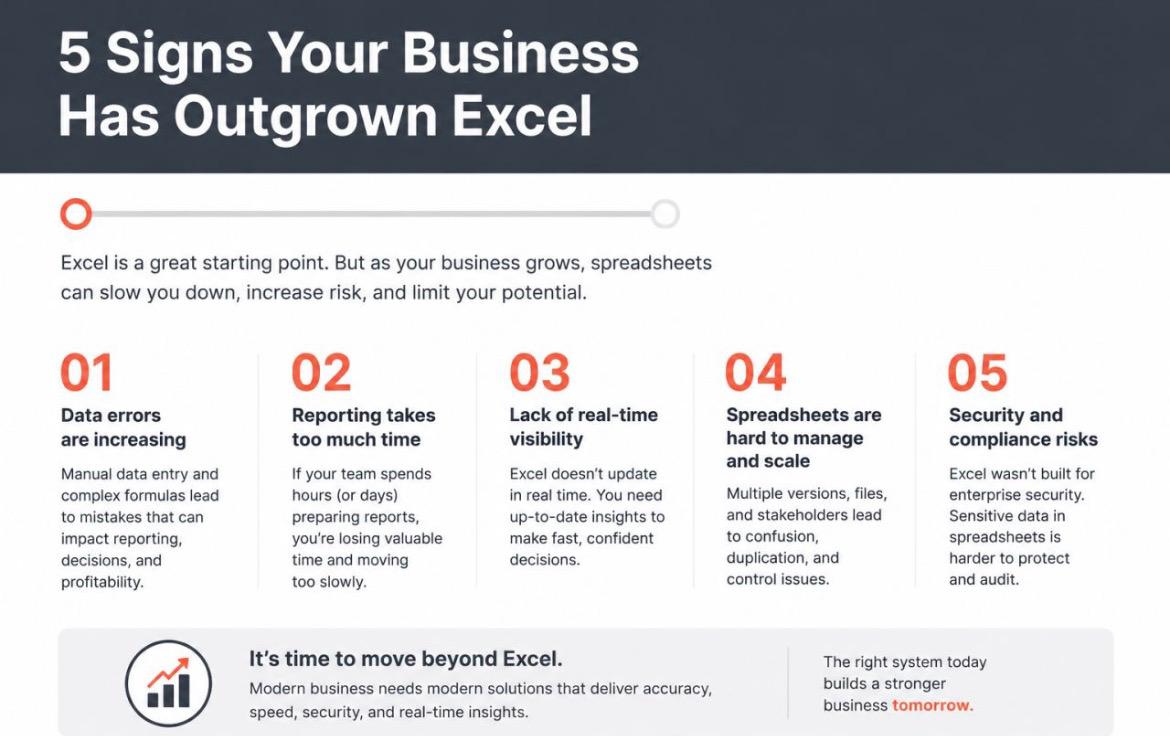
Manual sheets, multiple versions and complex formulas can create confusion across teams. Modern businesses need centralized data, role-based access, automated reporting and real-time dashboards.
Manual entry and formula-based sheets increase the risk of mistakes in sales, inventory, finance and reporting.
If your team spends hours preparing reports, leadership is losing valuable decision-making time.
Excel does not automatically update across departments, users and locations in real time.
Multiple files, versions and approvals become difficult to control as users and business volume grow.
Business-sensitive data needs role-based access, logs, backup and auditability beyond spreadsheet control.
MINT ERP helps assess your process, select suitable software and plan controlled implementation.
Get a practical consultation to understand whether ERP, software automation or system integration is right for you.